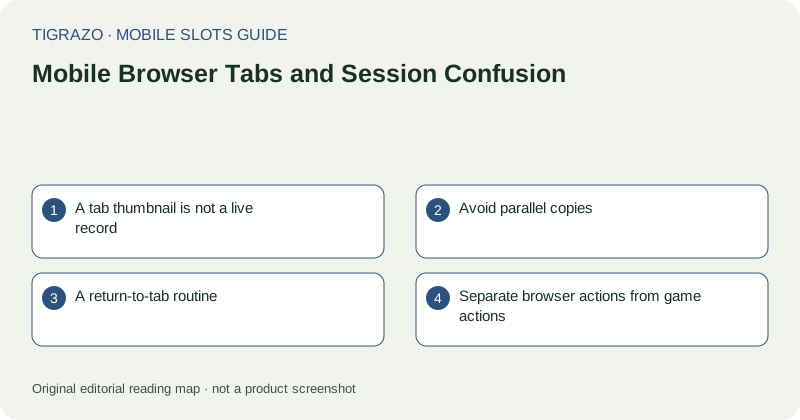
A tab thumbnail is not a live record
The image in a browser's tab overview may be a saved preview rather than the current page. It can display an old balance or an earlier animation. Use it to identify a page, not to verify the outcome or status of a game.
After selecting a tab, allow the browser to restore it before interacting. Phones may pause background pages or remove them from memory. A page that looks familiar can therefore be reconnecting rather than ready for another action.
Avoid parallel copies
Opening the same game in several tabs creates unnecessary ambiguity about which controls belong to the active session. One tab may show a timeout while another displays older information. Do not use concurrent copies as a way to compare balances or force a stalled game to update.
If duplicates already exist, stop new game input. Identify the tab associated with the most recent interaction and record any unsettled-round details before closing anything. Closing a tab is not the same as resolving a round or confirming its recorded outcome.
A return-to-tab routine
Use a short orientation check whenever returning after a break. The purpose is to prevent a stale screen from being mistaken for an invitation to act.
- Confirm the page identity in the browser's address area.
- Check for restoration, timeout or connection messages.
- Read the current stake and status labels.
- Look for evidence of an unsettled round.
- Use recorded history if the previous result is uncertain.
Do not infer readiness merely because the artwork has reappeared. Controls can load separately from images.
Separate browser actions from game actions
A browser back gesture may leave the game rather than close a game panel. A swipe near the edge can trigger navigation instead of moving through a paytable. Identify whether a close control belongs to the browser, the page or an inner overlay before using it.
Restored tabs can also retain a zoom level or a partially scrolled position. Re-establish a full view of the control area rather than tapping where a button used to be.
Clean up only after clarity
Once no round is unresolved and the recorded state is understood, close unnecessary duplicate tabs to simplify navigation. On a shared device, use the service's normal sign-out process if available; closing a tab alone may leave the account session active.
Tab organisation is a practical aid, not a way to reset outcomes. Opening a fresh page does not erase earlier transactions, create a different entitlement or make an independent future result more favourable.