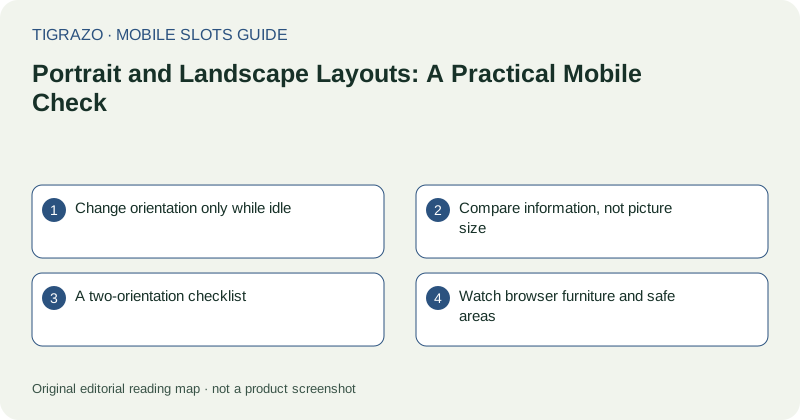
Change orientation only while idle
Begin with a settled screen and no control being pressed. Rotating during an animation can make a temporary layout change difficult to distinguish from a game problem. Set the phone down securely if holding it sideways makes accidental touches more likely.
Check the device's rotation lock before interpreting an unchanged layout as a fault. Some pages also retain a fixed orientation or use a layout that changes very little. A lack of rotation is not, by itself, evidence of a connection problem.
Compare information, not picture size
A wider reel area may look impressive while pushing the stake display or information button beyond the visible screen. Compare the complete interface rather than the central artwork. Essential labels should remain available without a sequence of uncertain scrolls.
Portrait may offer more space for an explanatory panel. Landscape may make a table easier to read. These advantages can differ between the game view and its information overlay, so inspect both instead of choosing one orientation for every task.
A two-orientation checklist
Use the following comparison with the same browser controls visible in each orientation. Otherwise, a collapsed address bar can create a misleading impression that rotation alone produced the extra space.
| Check | What should remain clear |
|---|---|
| Stake area | Amount, unit and adjustment controls |
| Information panel | Text, columns and close control |
| Result area | Settled status and recorded amount |
| Touch spacing | Separation between action and settings buttons |
If one layout enlarges symbols but fails several other checks, it is not necessarily the more usable layout.
Watch browser furniture and safe areas
Address bars, gesture regions and display cut-outs reduce usable space. A control close to a screen edge may become awkward in one orientation even though it is technically visible. Do not repeatedly tap near a system gesture area to force a response.
Browser full-screen modes can change the available space, but they may also hide navigation. Use only controls you understand, and retain a clear route back to ordinary browser view. More screen coverage is not useful if it makes leaving confusing.
Keep the result separate from the layout
Rotation changes presentation, not the value of a settled round. If a number looks different after rotation, inspect its label and recorded history rather than guessing from the animation. Stop further input if the layout makes the active stake or result ambiguous.
Choose the orientation that supports accurate reading and comfortable handling. There is no performance advantage in a particular angle, and changing orientation is not a method for changing future outcomes.