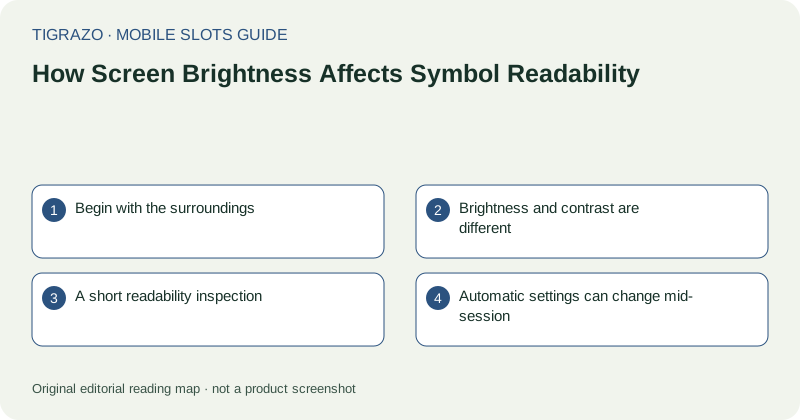
Begin with the surroundings
Glare is reflected light, not merely a dim display. If a window or lamp is reflected across the control area, move the phone or change your position before increasing brightness. A small angle adjustment can reveal labels without altering any device setting.
Check readability from the position in which the phone will actually be held. Tilting a display can change apparent colour and contrast. A screen that looks clear when viewed straight on may be difficult to read while resting flat on a table.
Brightness and contrast are different
Brightness controls the display's light output. Contrast concerns the separation between elements. Making a pale number brighter against a pale background may still leave it hard to distinguish. The underlying interface design matters as much as the screen setting.
Pay particular attention to low-weight text and similar symbol colours. If two icons depend on a subtle shade difference, look for shape cues or labels in the paytable. Do not infer a symbol's identity from an uncertain colour impression.
A short readability inspection
With the game idle, inspect three areas: the current stake, the information control and an ordinary symbol row. These areas cover different kinds of information and expose problems that a glance at the large central artwork can miss.
- Can every digit in the stake amount be read?
- Is the unit or currency label visible?
- Can neighbouring symbols be distinguished by outline?
- Does the information panel remain readable without leaning closer?
- Are any controls hidden beneath a reflection?
If a critical answer is no, adjust the environment or use another reading arrangement before continuing.
Automatic settings can change mid-session
Automatic brightness may react to a hand covering a sensor or to moving between rooms. Battery-saving settings can also reduce brightness. A gradual change can make a previously readable control unclear without any alteration to the page itself.
Check device settings only when no game input is pending. Avoid switching repeatedly between panels while trying to follow an unsettled round. Brightness changes do not alter a recorded result, but distraction can make that result harder to interpret.
Know when settings are insufficient
Excessive brightness can be uncomfortable, particularly in a dark room. The goal is clear reading, not the highest available setting. If clarity requires an uncomfortable level, a larger display or simply leaving the page may be the better practical choice.
Do not treat screen adjustments as a way to influence game behaviour. They affect what you can see. Where a result is disputed or an animation was obscured, consult the recorded round information rather than relying on a recollection of briefly visible colours.