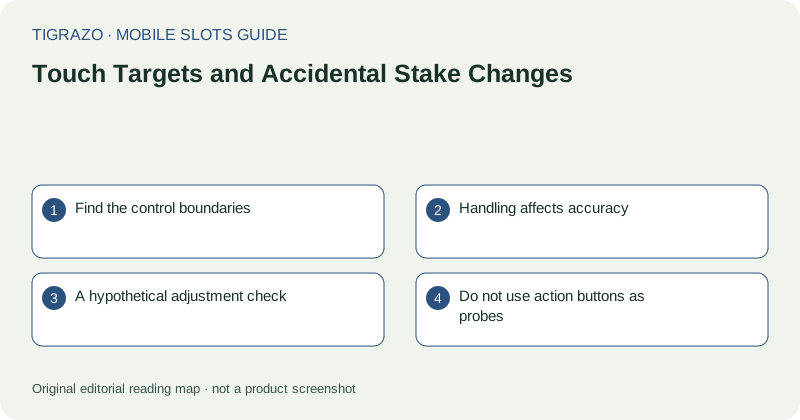
Find the control boundaries
Before interacting, identify which buttons adjust the stake and which initiate an action. Decorative borders can make several controls look like one group. A plus sign beside an amount may belong to a selector rather than simply expanding information.
Look for a clearly labelled current stake after any settings panel closes. Do not assume the previous value persists across a game change, page restoration or layout adjustment. Read the active amount and its unit rather than the position of a slider.
Handling affects accuracy
One-handed use can force the thumb to stretch across adjacent controls. A moving vehicle, an unstable grip or a damp screen can make that harder. Place the device on a stable surface when checking settings, and avoid interacting when you cannot see the entire control area.
Touch feedback may be delayed by a busy page. Multiple taps made because the first seems unacknowledged can become multiple adjustments. If the display does not respond, stop and wait for a clear state instead of tapping faster.
A hypothetical adjustment check
Suppose a hypothetical selector moves from 0.20 to 0.40 units after one tap. That doubles the stated stake; it is not a minor cosmetic change just because the numerals occupy similar space. The important check is the displayed value after the interaction.
- Open the intended selector only from an idle screen.
- Make one deliberate adjustment.
- Wait for visible feedback.
- Read the full current stake and unit.
- Close the selector and verify the main display again.
This routine checks input accuracy. It is not a recommendation about which stake to choose.
Do not use action buttons as probes
If an icon's purpose is unclear, tapping it to find out can trigger an unwanted action. Look for a label, information panel or support explanation instead. A confirmation dialog may exist in some interfaces, but its presence must not be assumed.
Similarly, browser zoom and screen rotation can move controls. After changing either, reorient yourself before touching the page. The place where a harmless button appeared a moment ago may now contain a different control.
Respond to uncertainty by stopping
If an unintended action may have occurred, stop further input and inspect the recorded round and stake information. Record the approximate time if a support enquiry becomes necessary. Do not attempt another round to test whether the button works normally.
Accidental input is a usability concern, not a reason to recover an amount through continued play. Resume no action until the interface and recorded state are clear; leaving the session is always a valid response to controls that remain difficult to use.