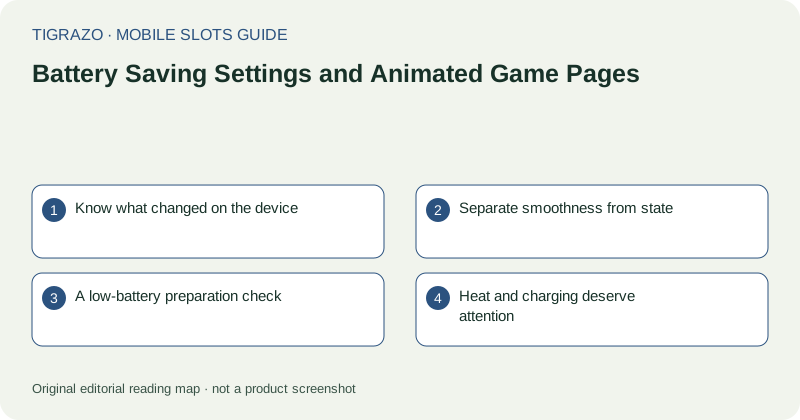
Know what changed on the device
A power-saving mode may reduce background activity, display brightness or performance, depending on the phone. Read the device's own description instead of assuming every mode behaves alike. A browser may also suspend pages independently when memory is limited.
If an issue begins after a setting change, note that timing as a useful observation. It is not proof of cause. Network conditions, page errors and device temperature can change at the same time.
Separate smoothness from state
An animation that stutters can still correspond to a recorded result. Conversely, a smoothly looping image may conceal a session that has stopped communicating. Motion quality is therefore a poor test of whether a game is ready for input.
Look for explicit status labels and recorded history. If a round is unsettled, stop interacting rather than trying to make the display smoother through repeated action. Performance adjustments cannot substitute for verification of the round.
A low-battery preparation check
Before opening an information-heavy or animated page, consider whether the device can remain powered long enough to read and exit normally. The following check does not require starting any game action.
- Read the battery level and any low-power notice.
- Check that the display remains bright enough for labels.
- Close unrelated resource-heavy activity if appropriate.
- Keep a reliable path to the browser's navigation controls.
- Avoid beginning activity when the device is about to shut down.
There is no benefit in turning a nearly empty battery into a deadline for hurried decisions.
Heat and charging deserve attention
A phone can reduce performance when warm. Charging while running a demanding page may add heat, especially in a hot environment. Use the device according to its manufacturer's guidance, keep ventilation unobstructed and stop using it if warnings appear.
Do not disable protective settings merely to keep animation running. A less fluid display is not a reason to override the phone's thermal or battery safeguards. Reading information later on a stable device is a complete practical solution.
After suspension or shutdown
When the browser returns, allow the page to restore before touching it. Check for timeouts or connection messages, then verify any previously unresolved round through recorded history. The last frame preserved on screen may be old.
If the outcome remains unclear, preserve the approximate time and visible details for support. Restarting the phone or recharging it can restore access, but neither action proves that an interrupted animation represented a particular payment. Keep technical recovery separate from decisions about further play.